Router in Bangladesh – WiFi Routers for Home, Office and Gaming
A dependable router is the centre of a fast and stable internet connection. Whether you are attending online classes, working from home, streaming 4K video, managing smart devices or playing competitive games, the right router helps every connected device perform better. At Gadget & Gear, you can compare the latest router price in Bangladesh and choose from wireless routers, dual-band models, WiFi 6 routers and whole-home mesh systems for different budgets and coverage needs.
Router prices in BD vary according to WiFi generation, wireless speed, coverage, antenna design, processor, Ethernet ports and security features. A basic model can be suitable for everyday browsing in a small home, while a premium mesh or gaming router is designed for larger spaces, heavier traffic and many simultaneous users. Browse our networking devices to build a more complete and reliable setup.
Choose the Right WiFi Router for Your Needs
The best router is not always the most expensive one. It is the model that matches your internet package, room layout and number of devices. Before buying, consider how your household or office actually uses the internet.
Home WiFi Router
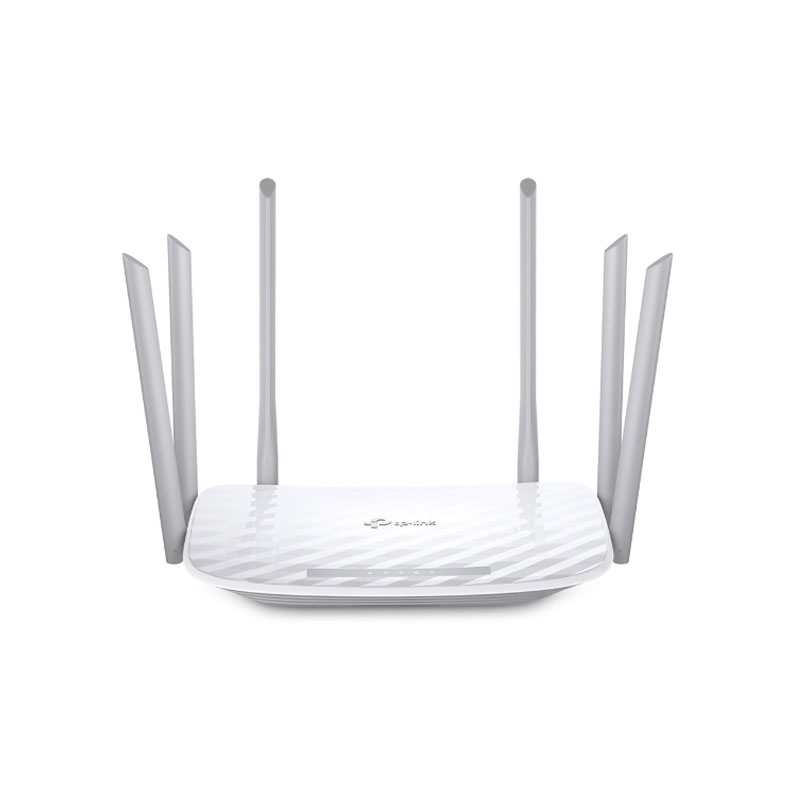
For a small apartment or a family with routine browsing, social media, video calls and Full HD streaming, a dual-band WiFi 5 router is often a practical choice. The 2.4GHz band provides wider reach, while the 5GHz band usually offers faster performance at shorter distances. Buyers who expect to connect more phones, tablets, televisions and smart devices can consider a WiFi 6 router for more efficient multi-device connectivity.
Mesh Router for Large Homes and Offices
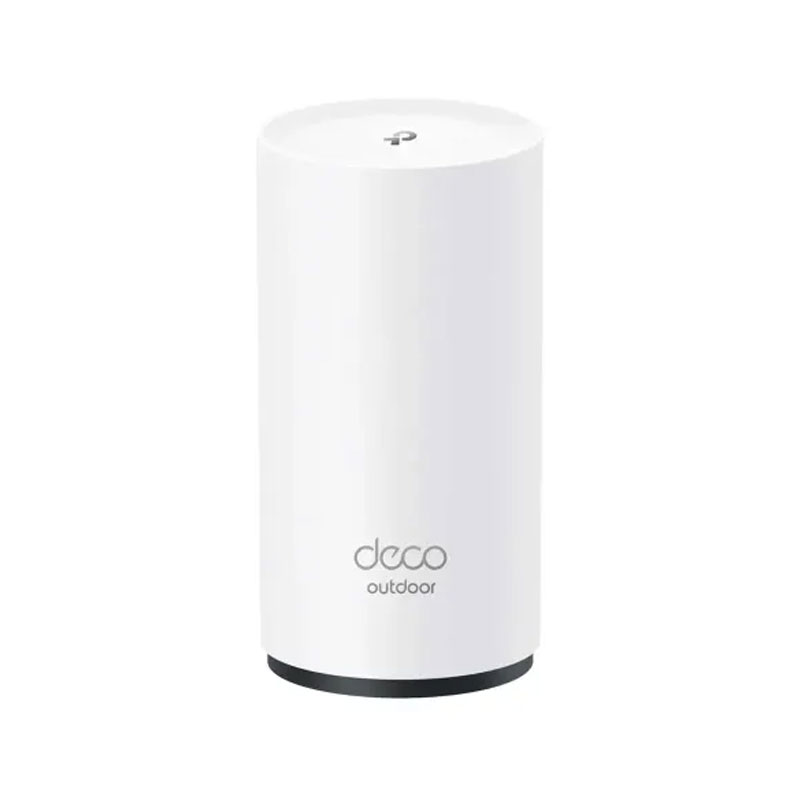
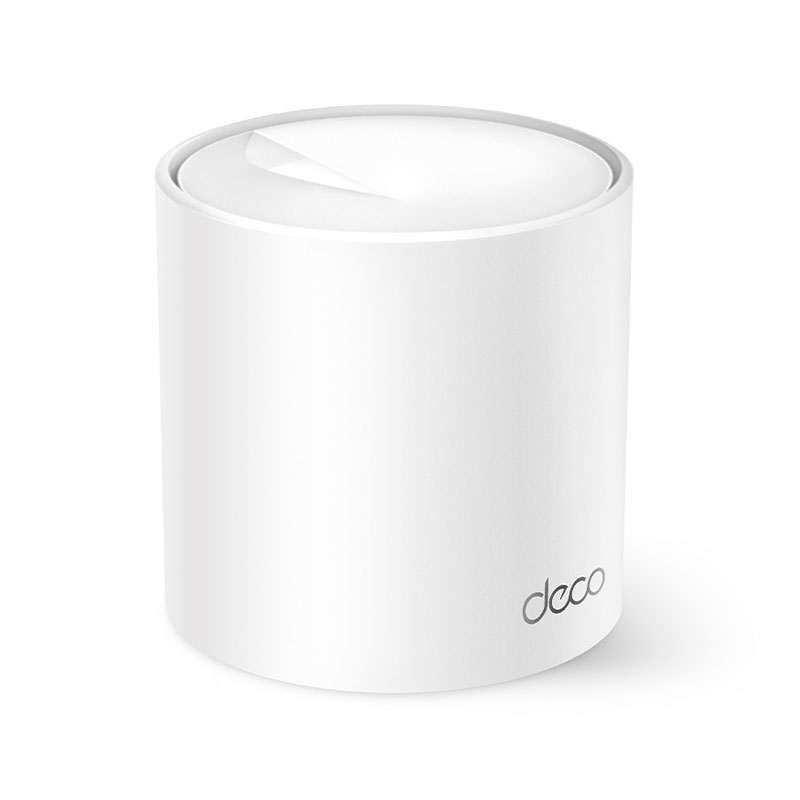
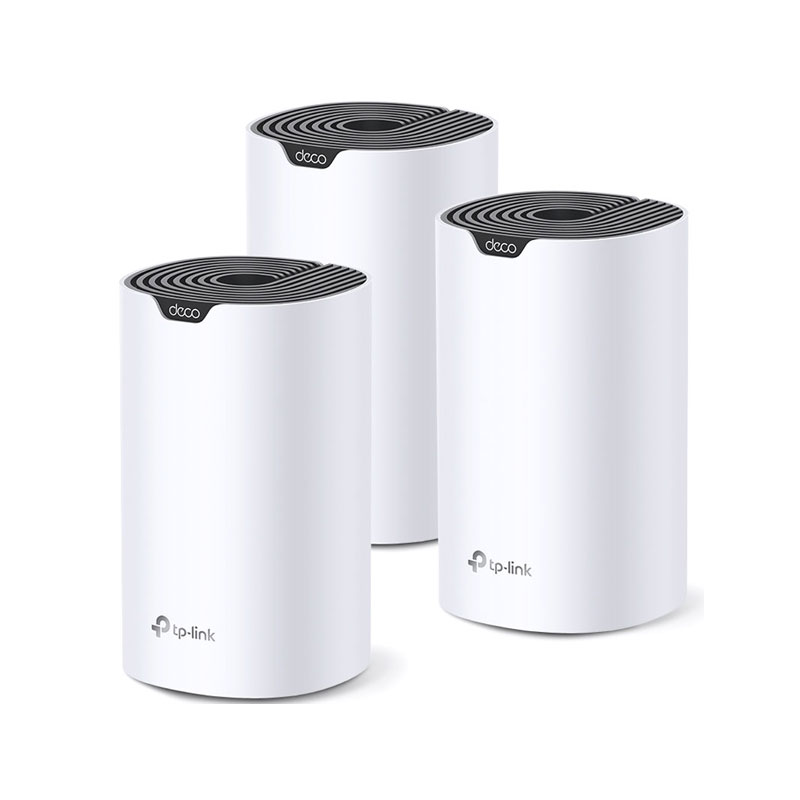
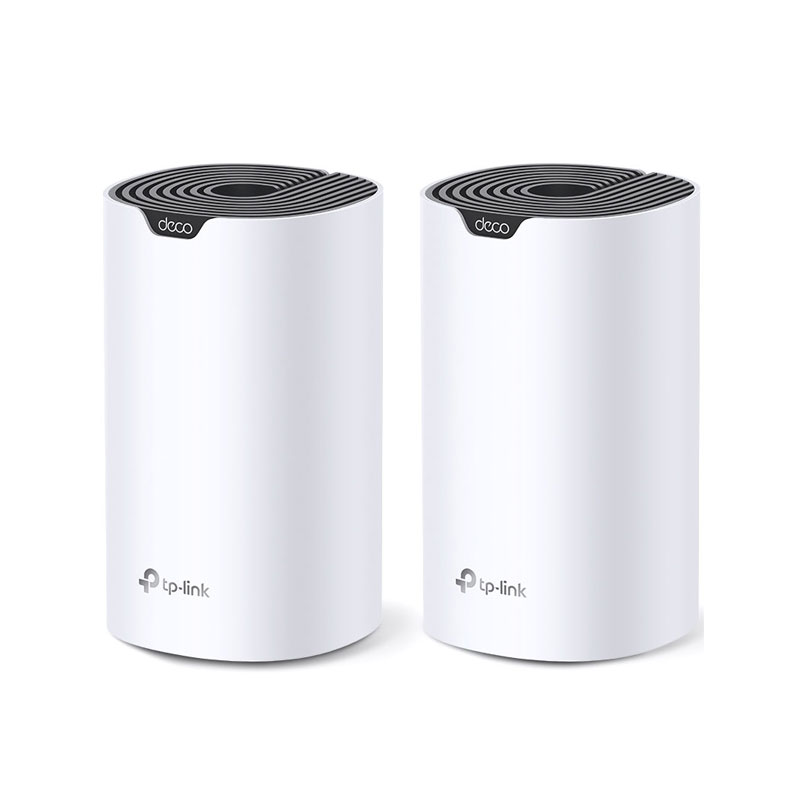
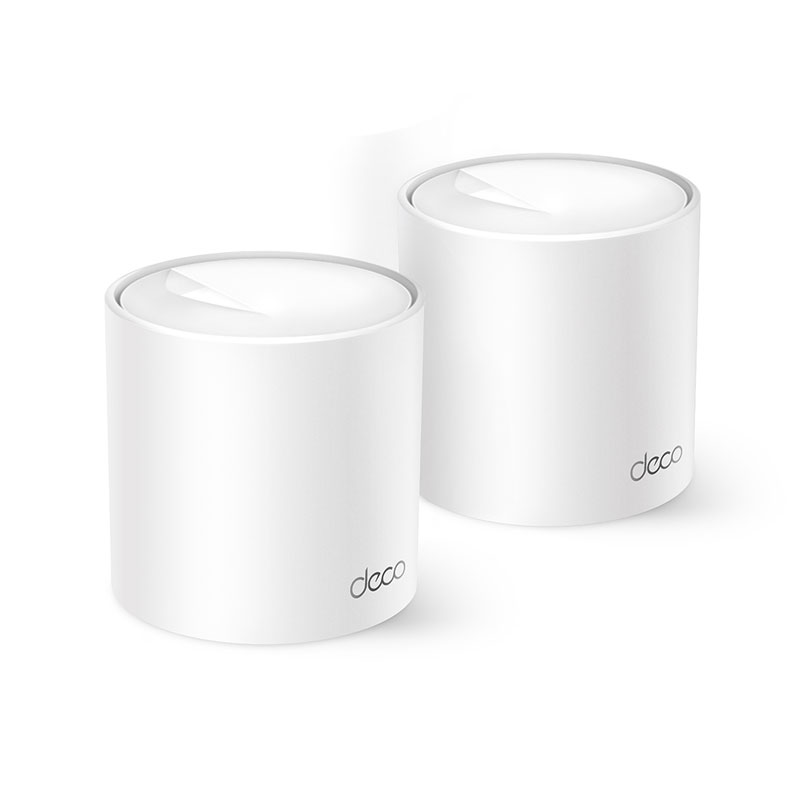
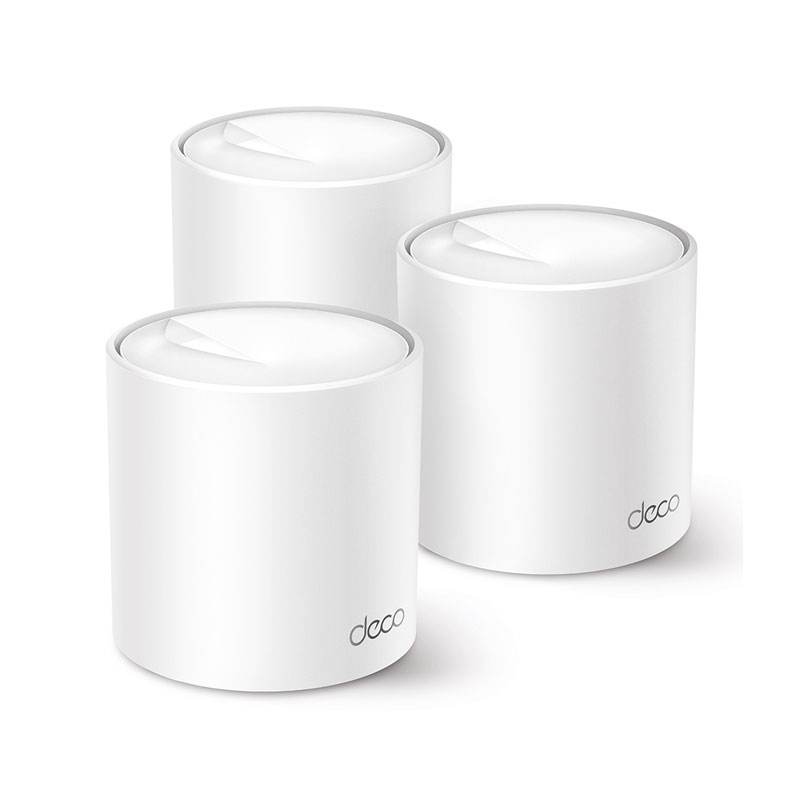
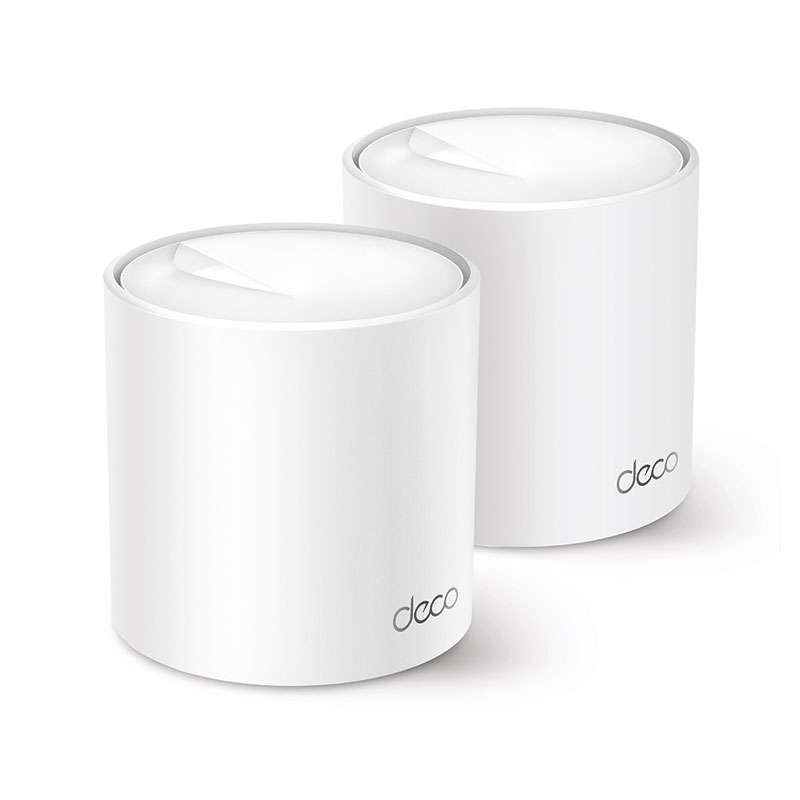
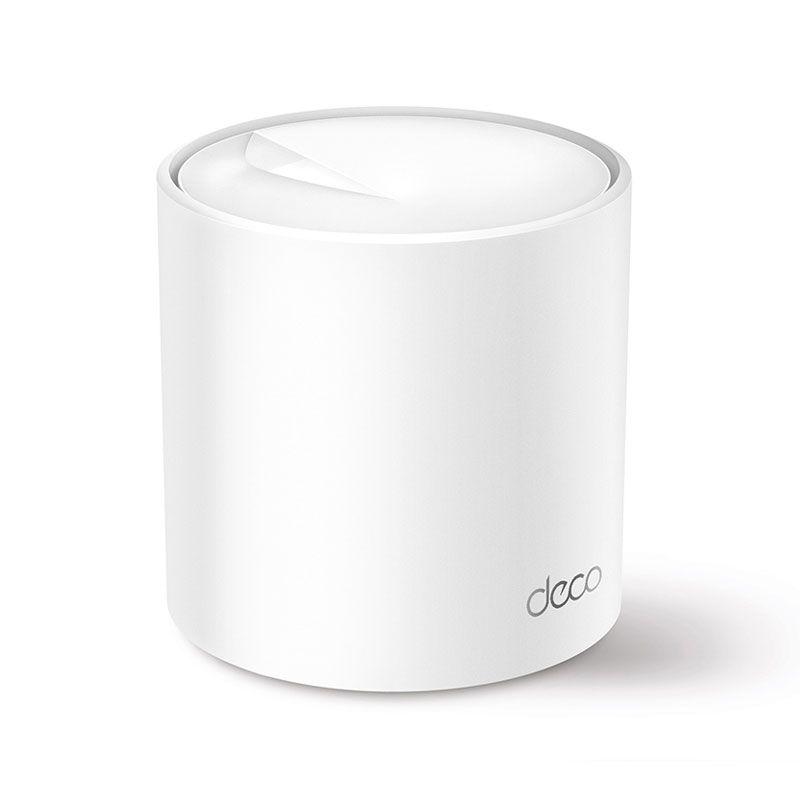
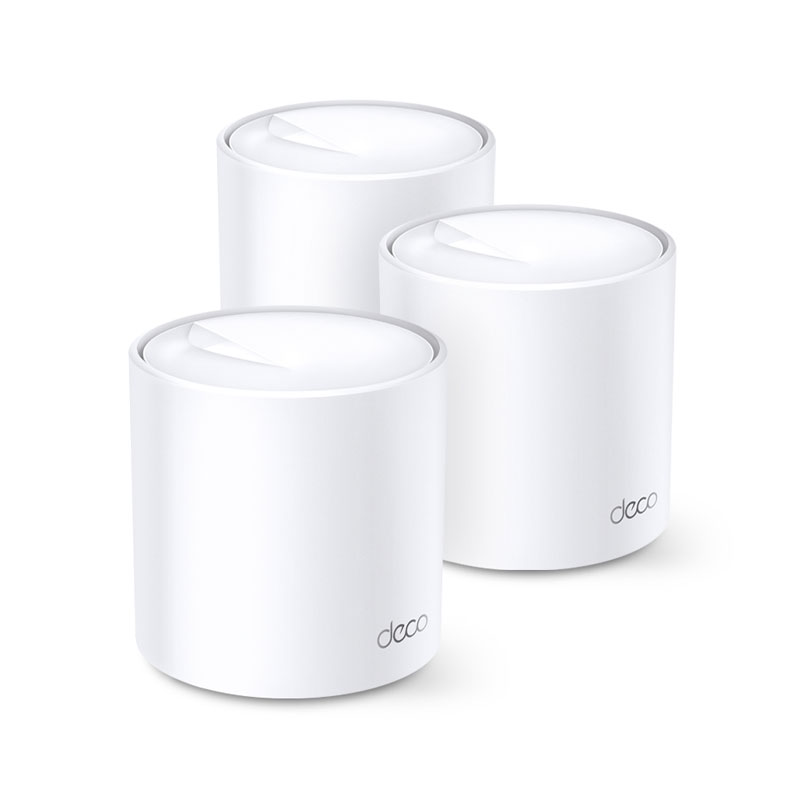
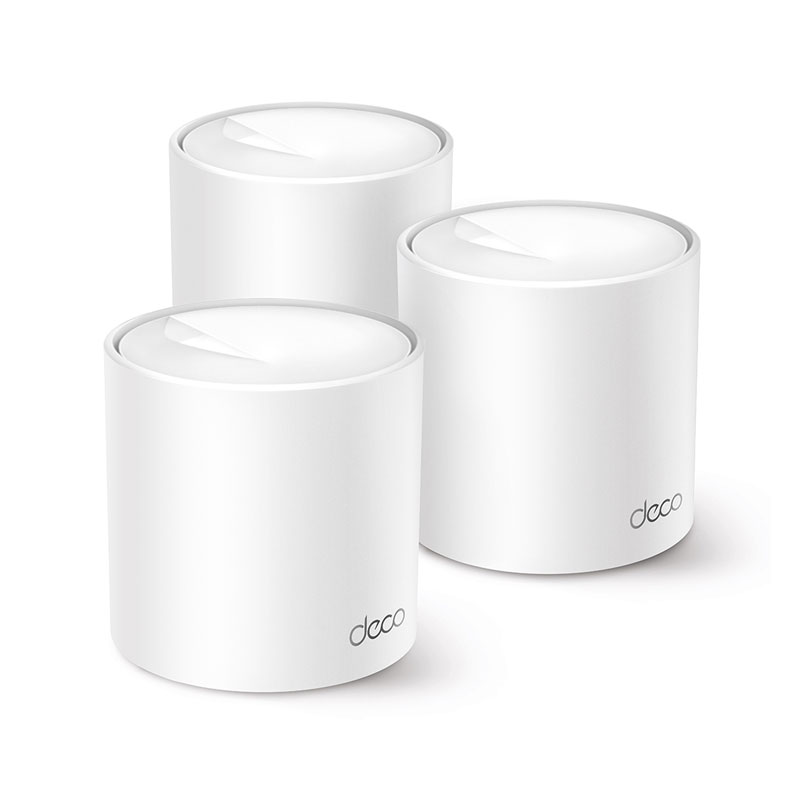
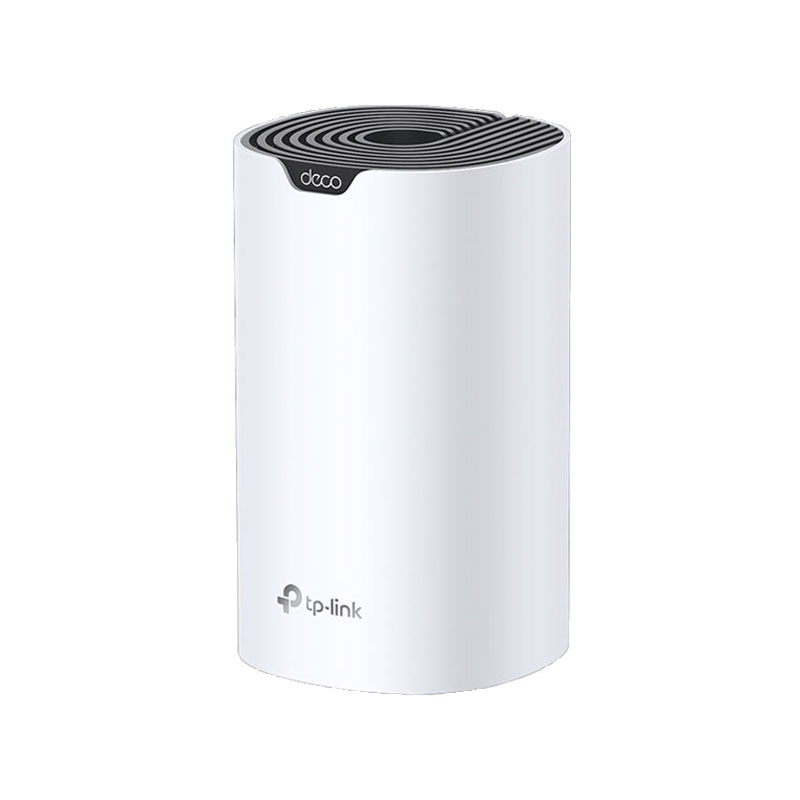
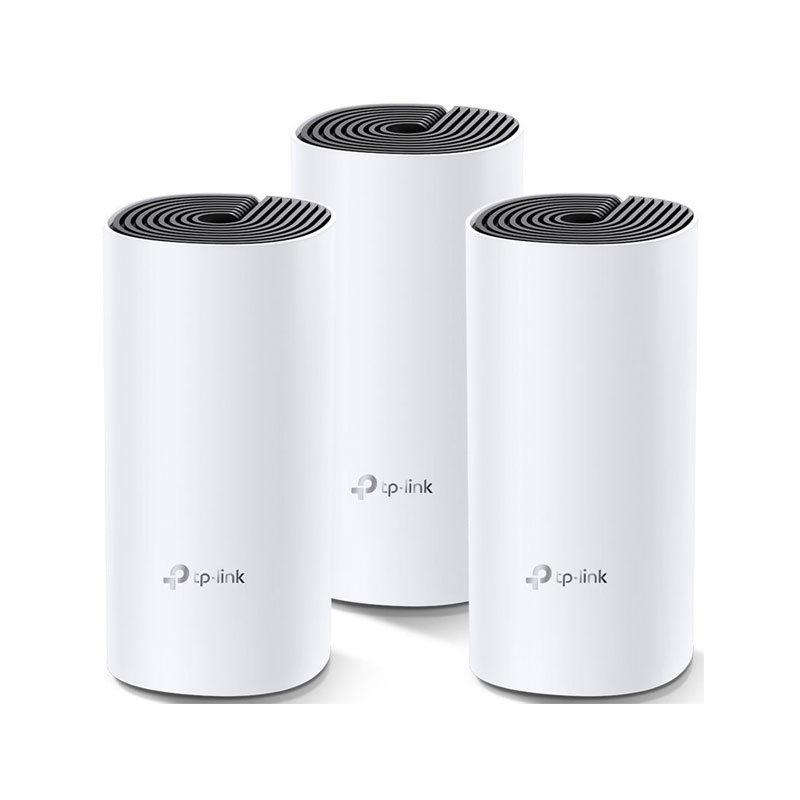
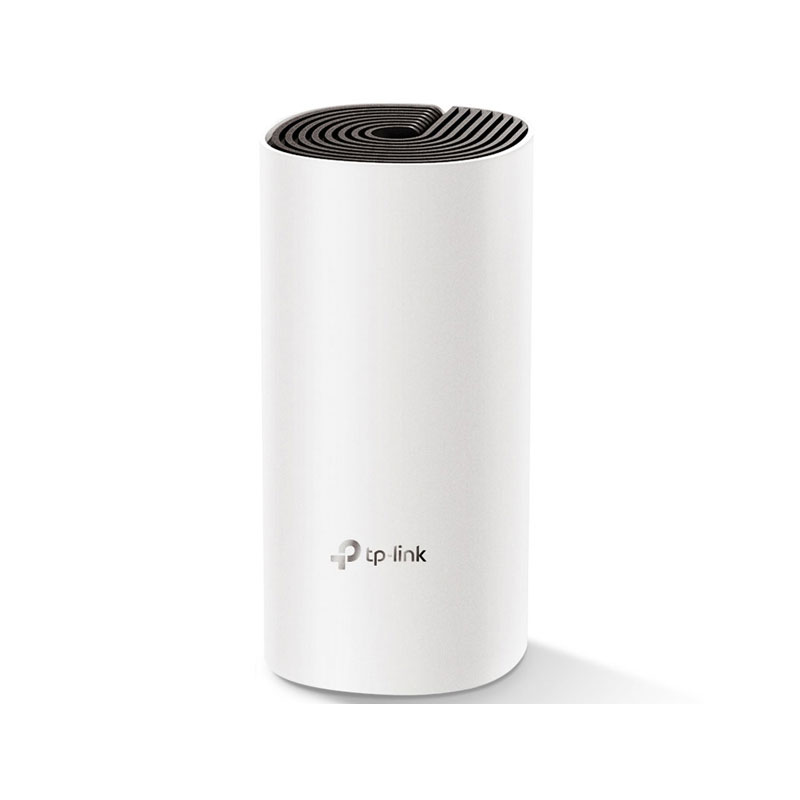
A single router may struggle when signals must pass through several concrete walls or reach another floor. A mesh WiFi system uses two or more coordinated units to create one network across a larger area. It is a useful solution for duplex homes, spacious apartments, offices and locations with WiFi dead zones. TP-Link Deco systems are popular options because users can expand coverage by adding compatible nodes. Explore the latest TP-Link routers, including Archer and Deco models.
Gaming and High-Performance Router
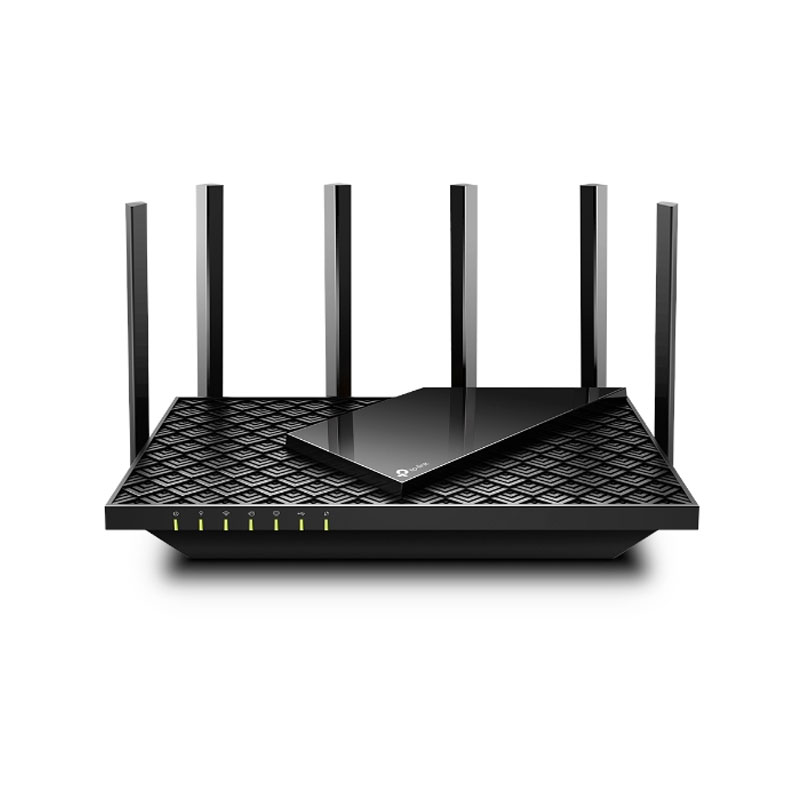
Online gaming depends on stable latency as much as headline speed. Look for gigabit Ethernet, strong processing power, Quality of Service controls and reliable 5GHz performance. A wired LAN connection is still preferable for a gaming PC or console when the lowest possible delay matters. You can also explore our gaming products for a more complete setup.
WiFi 6, WiFi 6E and WiFi 7 Router
WiFi 6 improves network efficiency when many compatible devices are connected. WiFi 6E extends compatible connections to the 6GHz band, while WiFi 7 introduces newer technologies for higher capacity and lower latency on supported devices. However, the newest standard is not automatically necessary for everyone. Check whether your phones, laptops and internet plan can benefit before paying for a premium model.
Important Router Features Explained
- Wireless speed: Labels such as AC1200, AX1500 or AX3000 describe the router’s combined theoretical wireless capacity. Your real internet speed also depends on the ISP package, distance, interference, walls and connected device.
- Dual-band or tri-band: Dual-band routers use 2.4GHz and 5GHz. Tri-band models add another band to manage more traffic, which can help busy homes and mesh systems.
- Gigabit ports: Gigabit WAN and LAN ports are important for high-speed broadband, desktop computers, smart TVs, network storage and gaming consoles.
- MU-MIMO and OFDMA: These technologies help compatible routers communicate more efficiently with multiple devices instead of serving every connection in the same way.
- Security and controls: Features such as WPA3, guest networks, parental controls, automatic updates and VPN support can make a home or office network easier to manage and protect.
- Mesh compatibility: EasyMesh or a brand-specific mesh platform can allow future coverage expansion without replacing the entire network.
Quick Router Buying Guide for Bangladesh
| Usage |
Recommended Router Features |
| Basic browsing and online classes |
Dual-band WiFi 5, suitable coverage and essential parental controls |
| Work from home and streaming |
WiFi 5 or WiFi 6, stable 5GHz performance and gigabit ports |
| Gaming and content creation |
WiFi 6 or newer, gigabit LAN, QoS and a strong processor |
| Large or multi-floor property |
Two-pack or three-pack mesh WiFi system with expandable coverage |
| Remote location or alternative connection |
Check compatible mobile or satellite options, including Starlink |
Always match the router to your ISP plan. Buying an AX3000 router will not turn a slower broadband package into a faster one, but better hardware may improve local coverage, device handling and network stability. Router placement also matters: keep it in an open, central position and away from thick barriers, metal cabinets and sources of interference.
Buy an Authentic Router from Gadget & Gear
Gadget & Gear offers routers for everyday users, professionals, gamers and growing smart homes. Compare specifications carefully, check current availability and select a model that fits both your space and your budget. Customers can shop with confidence from a trusted technology retailer that is also an Apple Authorized Reseller in Bangladesh.
Your router connects the devices you use every day. After upgrading your network, explore the latest smartphones, tablets and MacBook models available at Gadget & Gear. Product prices and stock may change, so review the current listing before placing your order.
Frequently Asked Questions About Routers
What is the best router for home use in Bangladesh?
For most small to medium homes, a dual-band WiFi 5 or WiFi 6 router with good coverage and gigabit ports is a balanced choice. Larger homes or properties with several walls may benefit more from a mesh WiFi system.
How much router speed do I need?
Choose a router that can comfortably support your ISP package and connected devices. Basic users may be satisfied with an entry-level dual-band model, while gaming, 4K streaming and large file transfers benefit from gigabit ports and WiFi 6 or newer technology.
Is a WiFi 6 router worth buying?
Yes, especially when you have several compatible devices or plan to use the router for years. WiFi 6 is designed for better efficiency, capacity and performance in busy networks, although actual results depend on your devices and internet connection.
What is the difference between a router and a mesh router?
A standard router broadcasts from one location. A mesh system uses multiple units that work together under one network name, helping provide more consistent coverage across a larger or multi-floor property.
Why is my WiFi slower than the speed written on the router?
The advertised figure is a theoretical wireless link rate, not a guaranteed internet speed. ISP bandwidth, device capability, distance, walls, interference, network congestion and router placement can all reduce real-world performance.